Making surveillance feel simple.
Spacture.ai helps teams make sense of cameras, incidents, people and analytics from their phone. The app worked — but it was a collection of screens, not a system. I redesigned it into one.
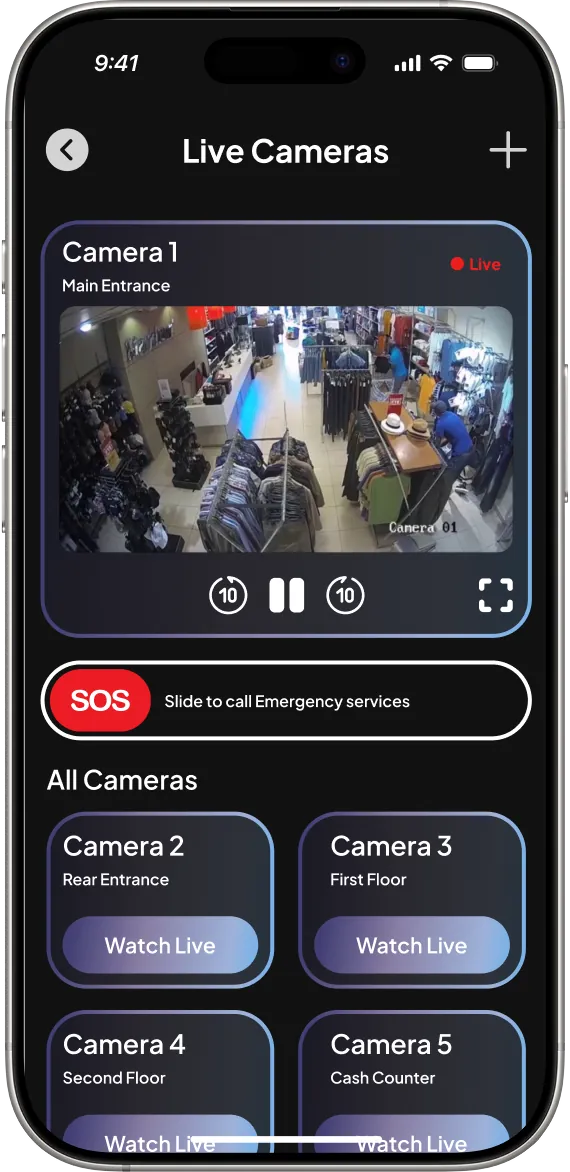
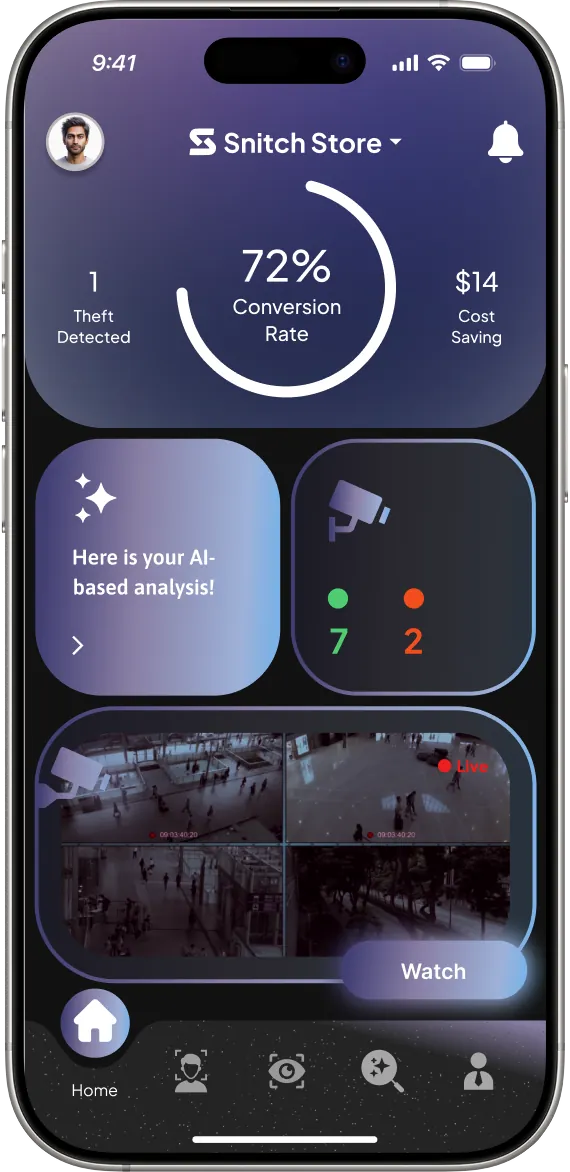
 priority alerts first
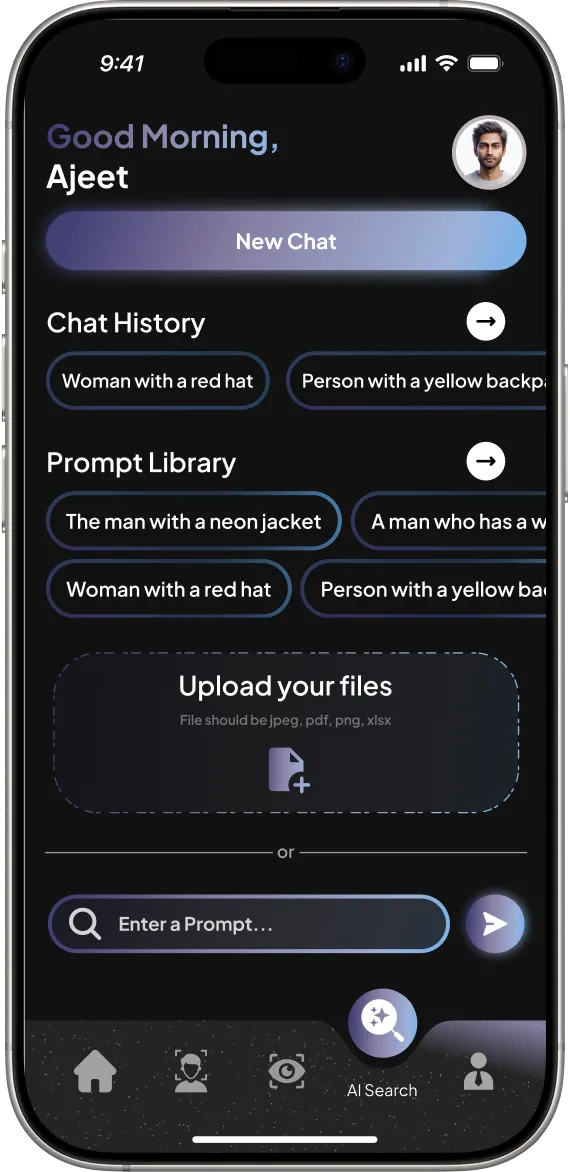
natural-language search
priority alerts first
natural-language search
An AI surveillance app that worked — but felt like a collection of screens: inconsistent visuals, weak hierarchy, fragmented navigation.
I treated it as a system problem, not a screen problem, and rebuilt navigation, hierarchy and components around how owners and security teams actually scan information.
- Role
- UX/UI & product designer
- Timeline
- 18-day sprint
- Users
- Store owners · security staff · analysts · IT teams
- Delivered
- UX audit · visual system · onboarding & camera pairing · dashboard, feeds, AI search, detections, analytics, watchlists
Eighteen days to rethink an app that already worked.
Rather than redesign isolated screens, I treated the product as a system and asked five questions:
- How should people move through the app?
- What information deserves priority?
- Where are the inconsistencies?
- How can the interface become cohesive?
- How can a complex surveillance product feel easier to use?
Five phases, run back to back.
The app worked. The experience needed work.
Inconsistent visual language
Screens didn't feel like parts of the same product.
Weak information hierarchy
Important information competed with secondary content.
Fragmented navigation
Hard to tell where you are or where to go next.
Inconsistent components
Controls, cards, buttons and surfaces had no shared system.
Dated visual treatment
Didn't meet expectations of a modern AI/security product.
assets/v2/spacture/before/The problem wasn't one bad screen. It was the lack of a system connecting the screens.
This shifted the project from screen redesigns to a system-level redesign.
Four roles, one shared need.
Retail store owners
Understand what's happening without inspecting every detail.
Security personnel
Fast access to cameras, incidents, people and next actions.
Business analysts
Structured data that reveals operational patterns.
IT & security teams
Visibility into system status, roles, config and health.
Make navigation easier
Clearer relationships between the major product areas.
Establish a visual system
One language for type, colour, surfaces, controls and interaction.
Make complex info scannable
Show what matters without making people process everything.
Dark, technical, premium — in service of clarity.
Colour roles in the redesigned UI.
assets/v2/spacture/components.webpFrom first launch to a paired camera.
Onboarding & identity
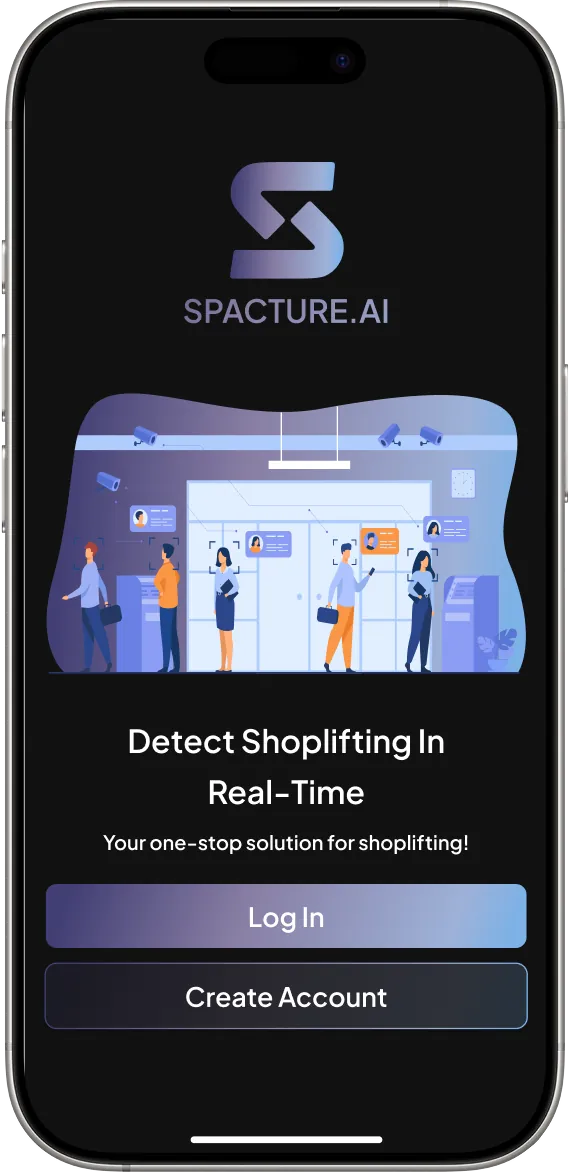
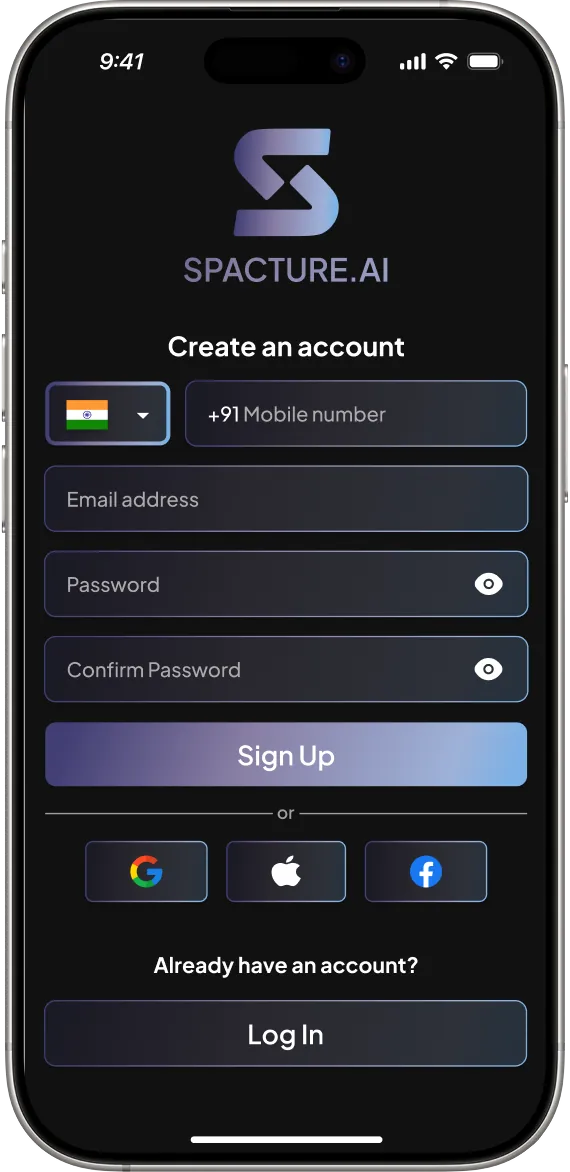
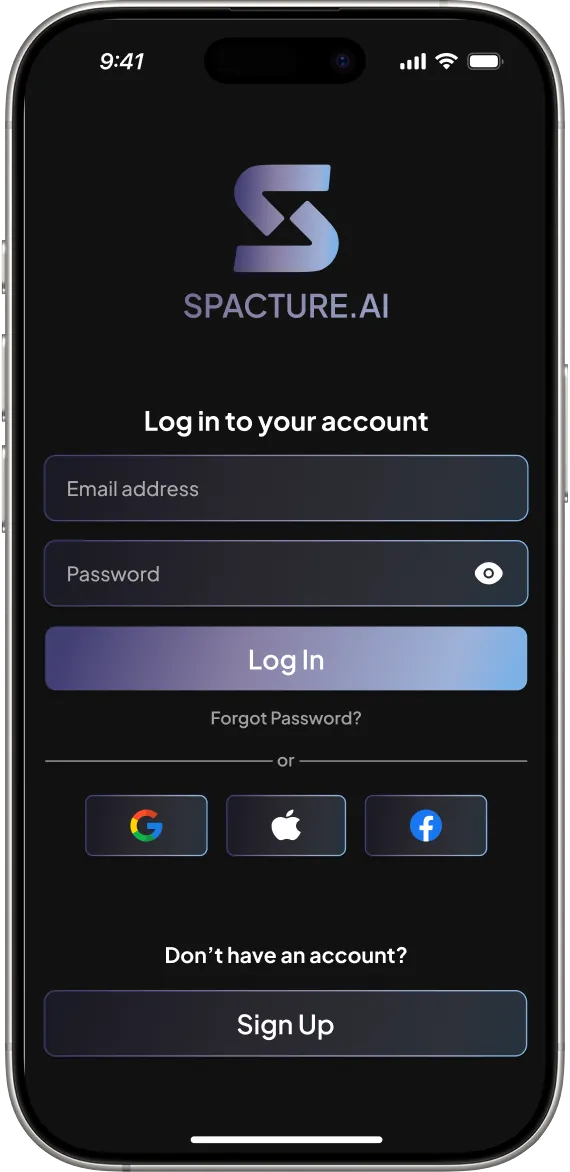
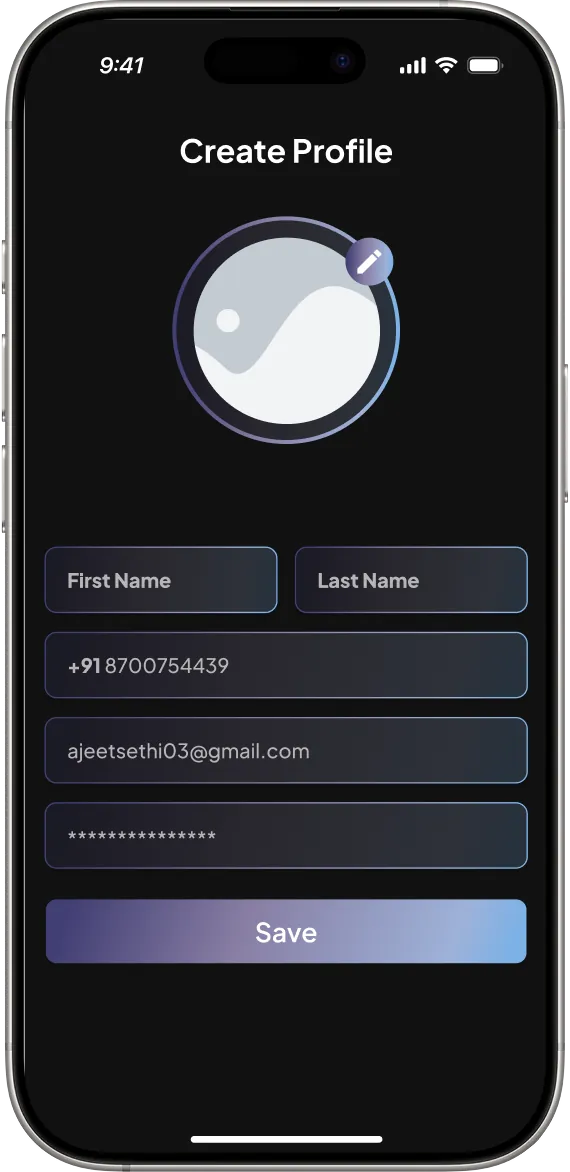
Store setup & camera pairing
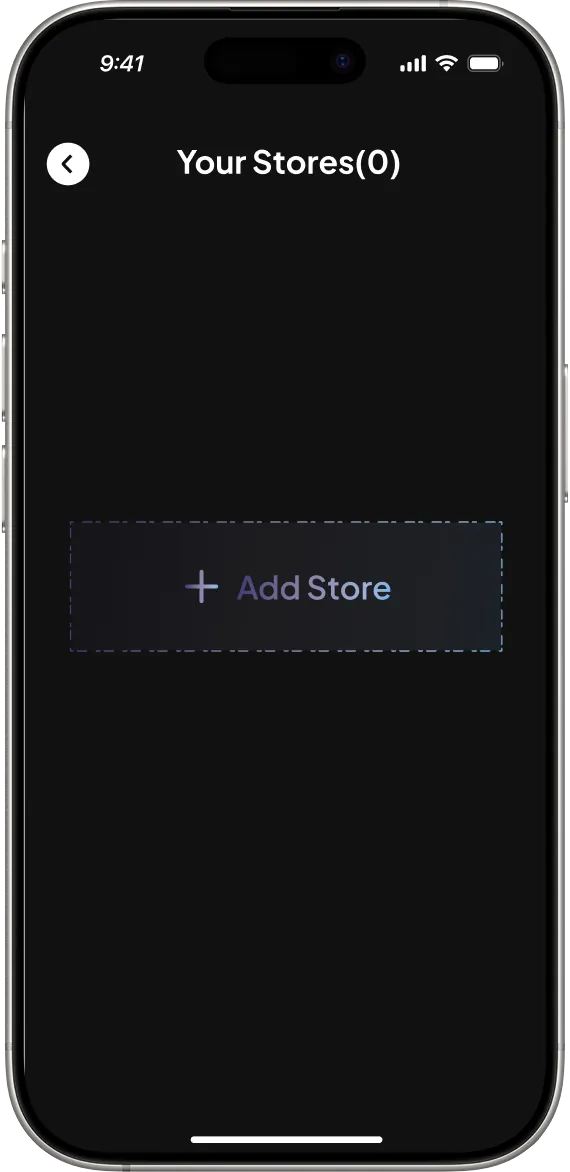
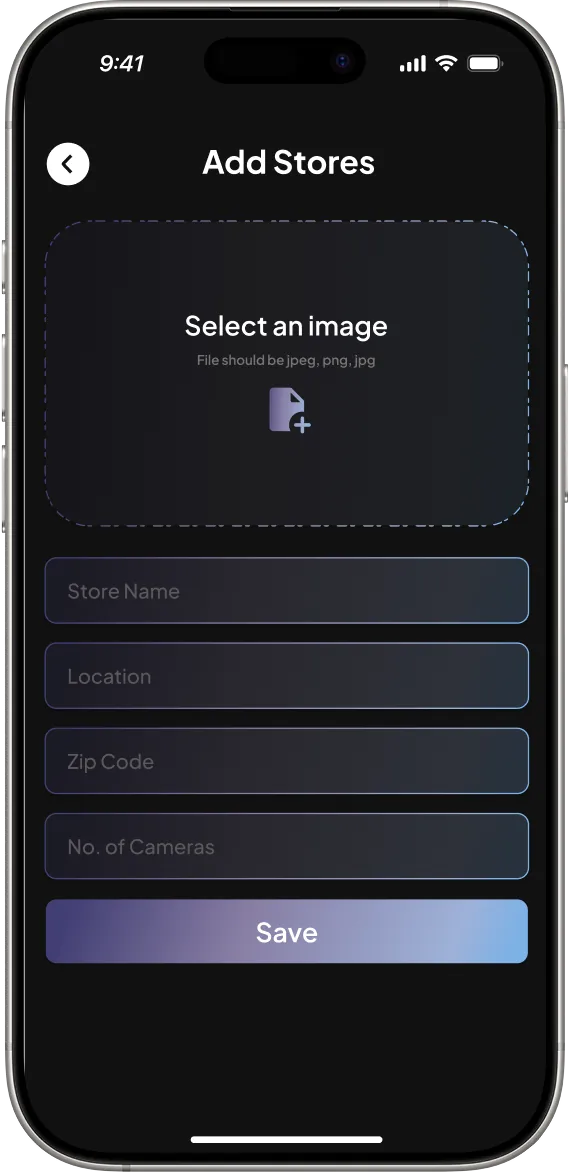
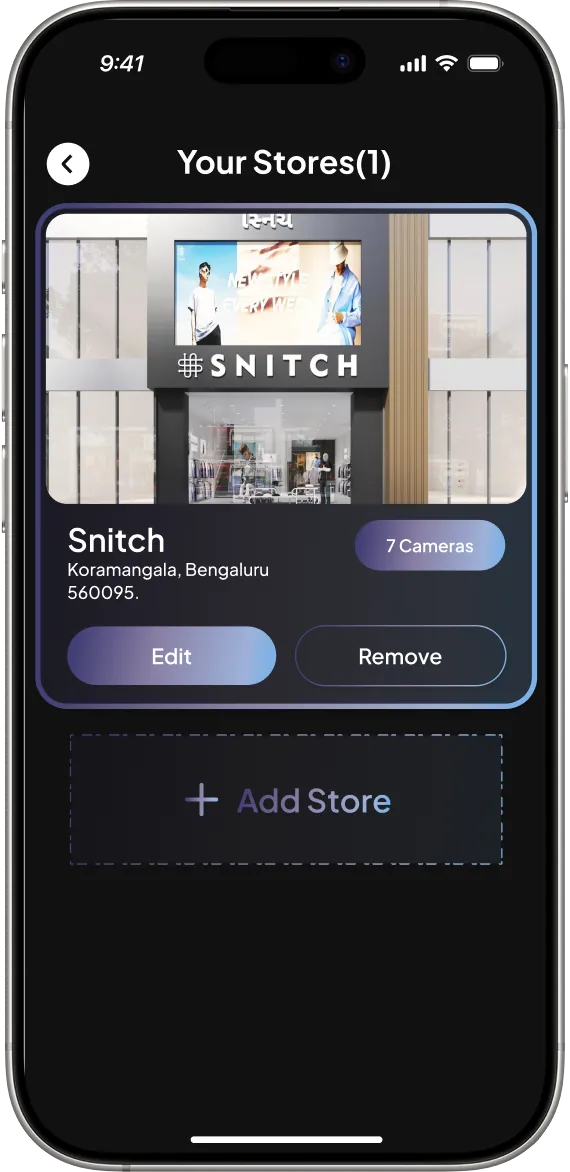
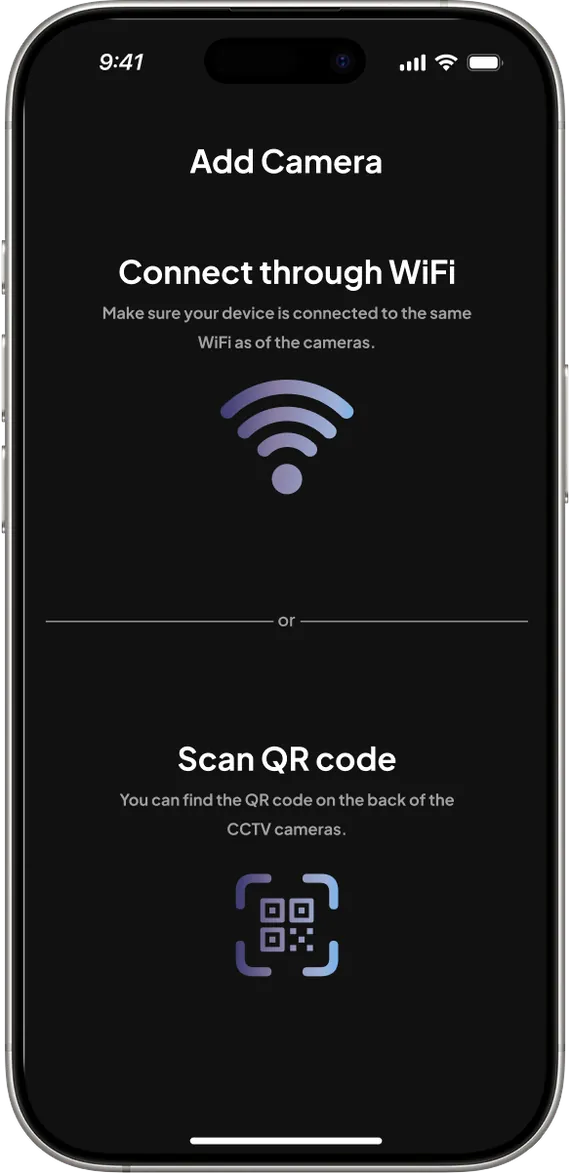
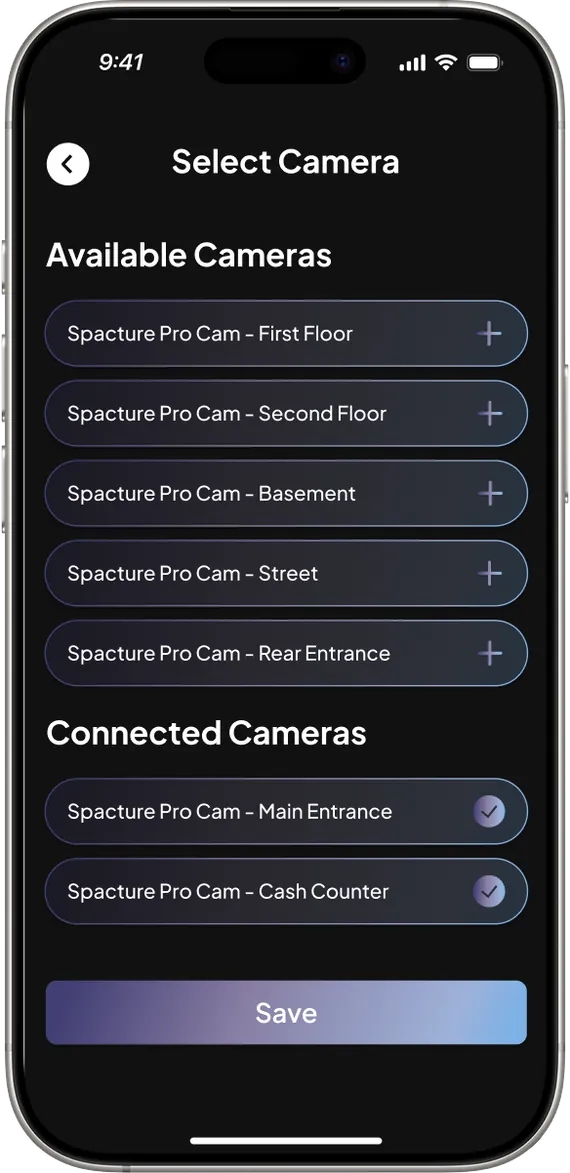
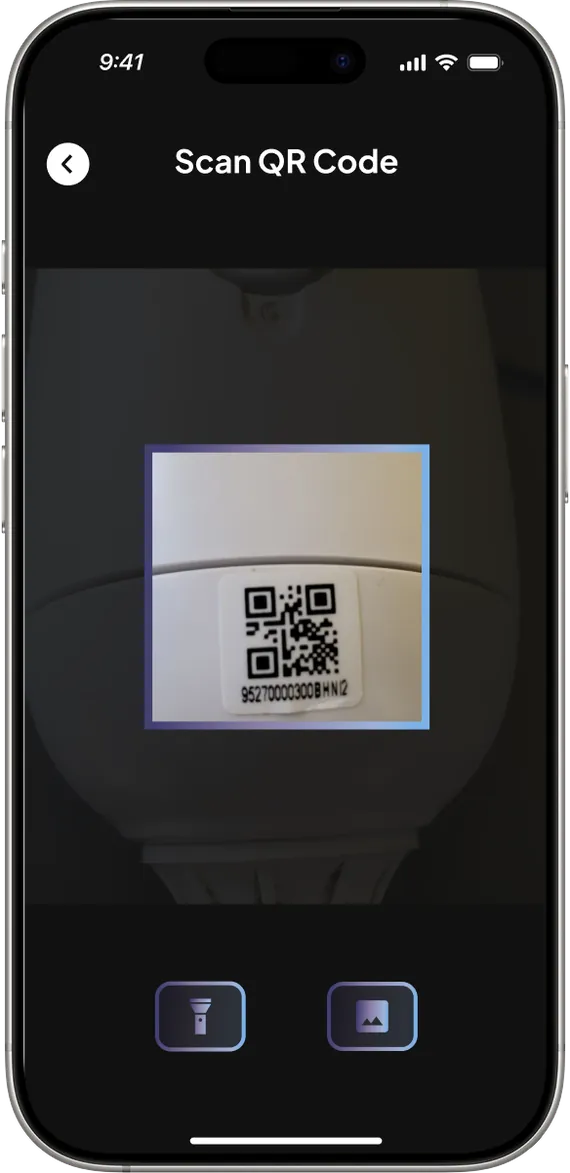
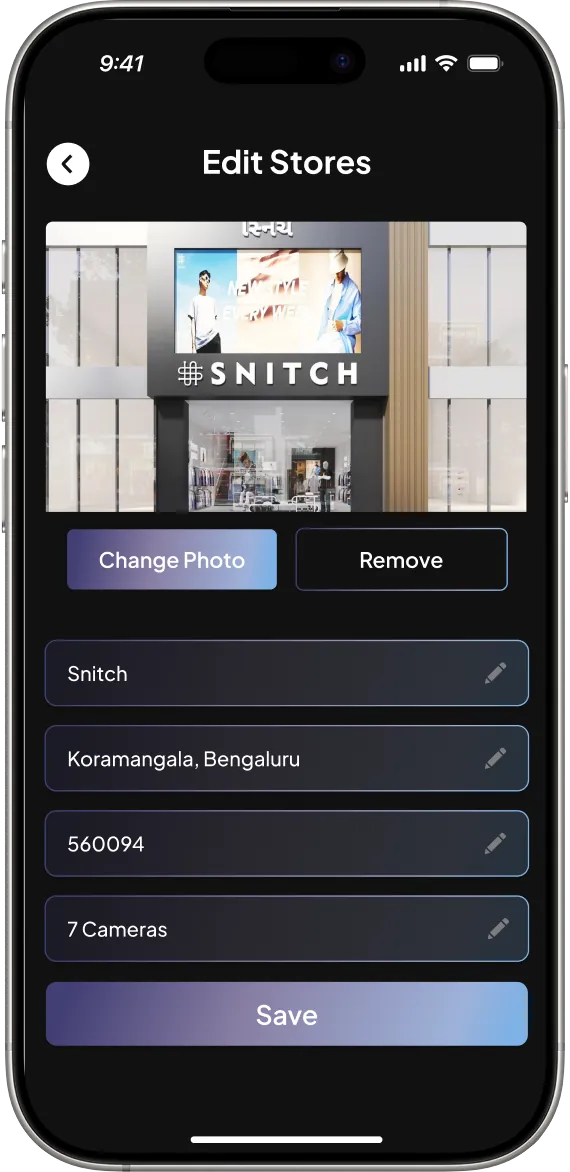
One product. One visual language.
Pick an area to see how the same rules carry through.
What actually changed.
Four trade-offs I made on purpose.
Most important first, depth on demand.
Familiar patterns mean less to learn.
Quick overview, smooth path into detail.
Dark surfaces and indigo exist for clarity and recognition.
What I learned — AI products aren't only about AI.
Systems thinking matters
One screen is easy. Making 20+ feel like one product is the real work.
Hierarchy over density
A product can hold a lot of data without showing it all at equal priority.
Consistency creates usability
A unified component system cuts the interpretation users have to do.
Constraints force prioritization
Eighteen days meant focusing on changes with systemic value.
The goal wasn't to make Spacture look newer. It was to make the complexity of surveillance feel simpler.